
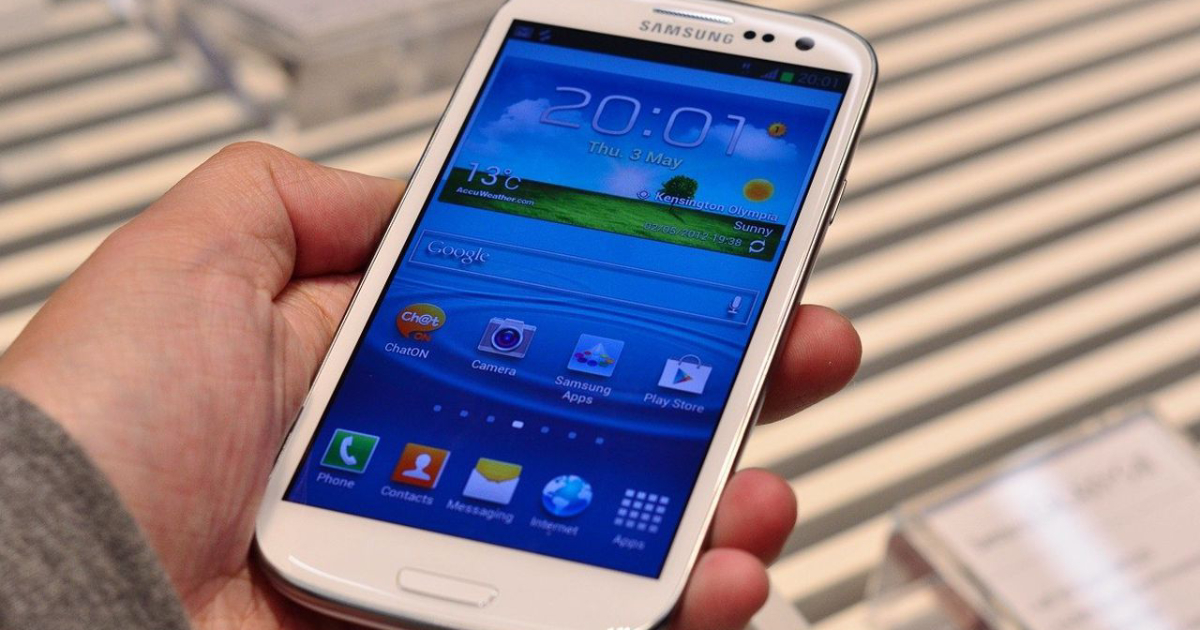
It is very common for all our data to remain on the mobile phone. After all, this device is an important part of our lives, holding countless files and personal information so that they are more easily within our reach.
However, there are 5 things, if you have them on your device, that you should delete immediately. Only then will you get more protection and not put your data at risk. Now check what you want to delete from your phone as soon as possible to protect what is most important to you.
1. Credit card photos
This is definitely the most important one on this list. This is because it is very common to have prints or pictures of our cards on our mobile phones, thinking that this will help provide more convenience. However, this is wrong! Obtaining this type of information can facilitate data leakage, especially if it is accessed by third parties.
An important tip is that nowadays there are cell phones and apps that allow credit cards to be entered into digital wallets. Therefore, choose this point and further protect your data, avoiding scams.
2. Copies of documents
This type of image, added to the card data as mentioned above, can cause great harm. Although it is a more practical method, this kind of action brings more vulnerability to the device user. If it gets stolen, for example, your data is exposed to criminals.
Also be careful if you are using Google Cloud. This is because it can sync with other accounts and cause more damage if accessed by a third party. Privacy and caution with your data is very important, mainly to avoid purchases in your name and debts that are not yours.
3. Nudes and intimate photos
It is important to pay attention to this third point. We have already seen that cell phones can be hacked and criminals can access this type of image. This has already happened to actress Carolina Dickmann, so much so that there is a law named after her, that focuses on this type of crime.
Therefore, avoid keeping any intimate photos on your devices. But, if you have it, configure your cell phone’s folders to so-called “locked folders”. The option is there for both Android and iOS, just configure it properly and you will get additional protection for your photos, ensuring your privacy.
4. A list of passwords
If you don’t want to be surprised when someone invades your accounts, whether from social networks or banks, be careful. It is common practice to write everything down on your mobile phone because it is more practical, but in reality, this practice can be very harmful. This is because you give easy access to your accounts, in case that information falls into the hands of criminals.
The advice in this case is: get a different password for each need and use password managers. Another piece of advice that may also be valid is to write everything down in a notebook and keep it with you at home. Thus, you have greater security and you will not lose these access easily.
5. Any personal information
If you’re using a company phone, the advice is that you don’t have any personal information on it. Keep the device exclusively for work, precisely because other people may be able to access its content.
Generally, this type of tool can come with monitoring managers so that the company can see what its employee is doing. It can jeopardize your privacy and bring you more problems. So stay tuned.

Edward Langley is a contributor at Mediarunsearch.co.uk, covering a wide range of topics including news, politics, business, technology, sport, entertainment and lifestyle. He focuses on delivering clear, balanced reporting and useful information that helps readers stay informed about current affairs and developing stories. His work highlights issues, trends and events that matter to everyday audiences, with an emphasis on accuracy, relevance and accessible journalism.