
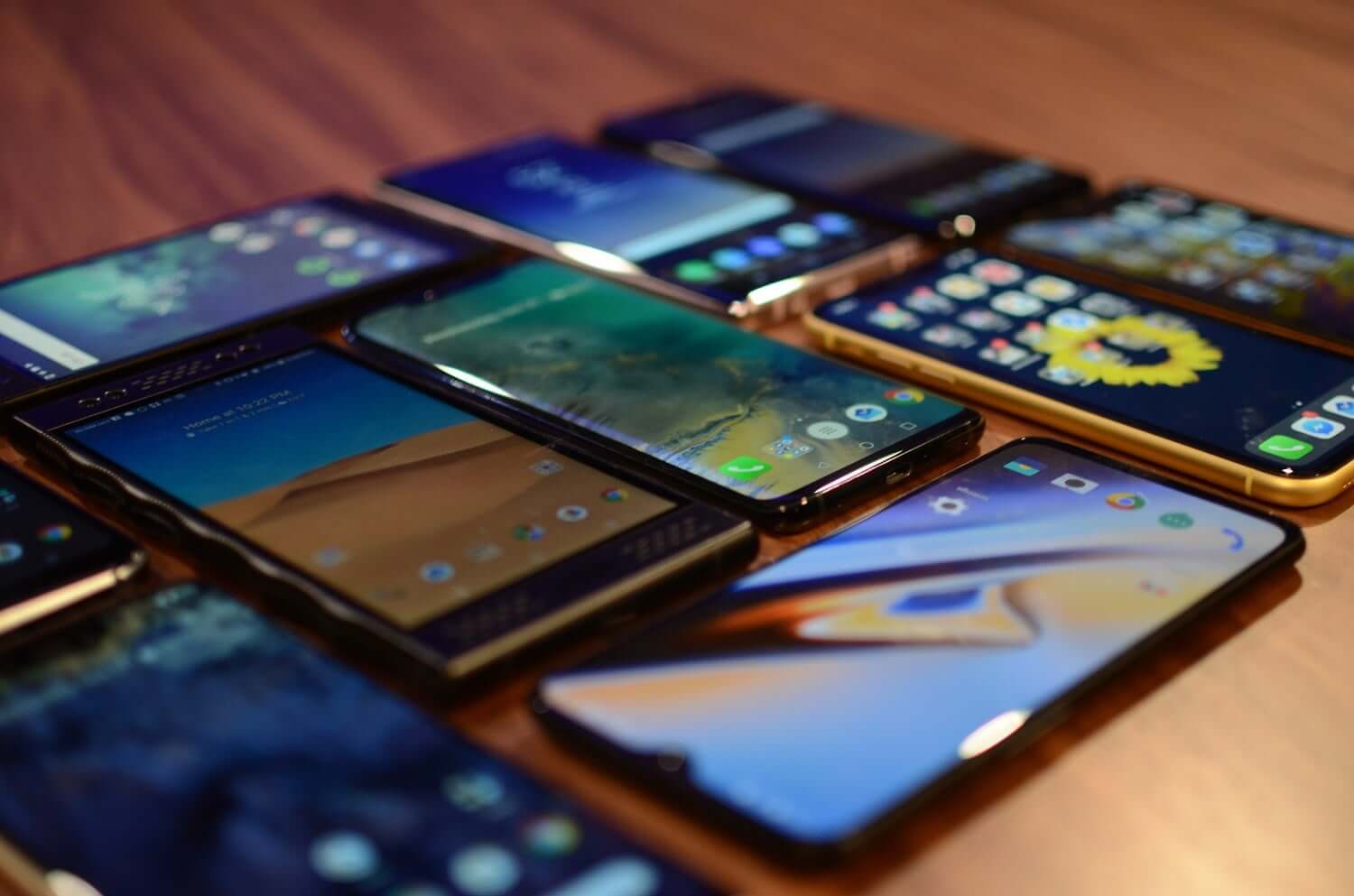
New: WhatsApp now allows up to four additional devices using the same phone number. That is, it is no longer necessary to have another SIM from your launcher when downloading WhatsApp to your new device.
See also: without downloading anything! Learn how to create WhatsApp stickers on iPhone
With an attractive number of supported devices, the present post will teach you how to access your main account on other mobiles. The function is very important for those who are used to changing their devices depending on the situation, or for those who use WhatsApp Business. Let’s move on to the step
How do you use WhatsApp on four devices without changing numbers?
With all devices supporting end-to-end encryption and protecting your conversations, four devices can be configured. First, you must have the main device at your disposal. It must remain active. In other words, if you are inactive for a long time, you will be automatically disconnected from other nearby devices.
Download WhatsApp on your new device
The first step is to download messenger on your new device. Now open it on your additional device. For the next step, you must have your main device close at hand.
Scan the QR code
Within WhatsApp, you will be asked to enter your phone number. It will place your additional devices on this screen when reading the QR code.
To be created, click on the three dots. A message saying “Connect to an existing account” will appear. Click on it. Then a QR code will be generated.
Scan the QR code on your primary device
Again, your primary device must be nearby to authenticate your login on this other device. The path is the same that users actually follow to enter WhatsApp Web.
On your main account, click on the three dots in the upper right corner. It’s the same code we saw in the second step. Several options will appear. You should click on “Connected devices”.
Finally, you only need to scan the code generated by the secondary cell phone with your main device. You can repeat the process until you reach the number limit.
Account Notes:
In the WhatsApp Help Center, there are some notes that users should be aware of. here they are:
Your mobile phone does not need to be connected to the internet to be able to use WhatsApp on connected devices. However, the app will disconnect from other devices if you haven’t used the app on your phone for more than 14 days.
For security reasons, you’ll still need to use a primary cell phone to verify your number and connect new devices.
If you have any questions, visit the WhatsApp Help Center on the subject.

Charlotte Whitmore is a contributor at Mediarunsearch.co.uk, covering a broad range of topics including news, politics, business, technology, sport, entertainment, and lifestyle. She focuses on delivering clear, balanced reporting and practical information that helps readers stay informed about current events and emerging developments. Her work highlights stories that matter to everyday audiences, with an emphasis on accuracy, relevance, and accessible journalism that keeps readers connected to the issues shaping the UK and beyond.