
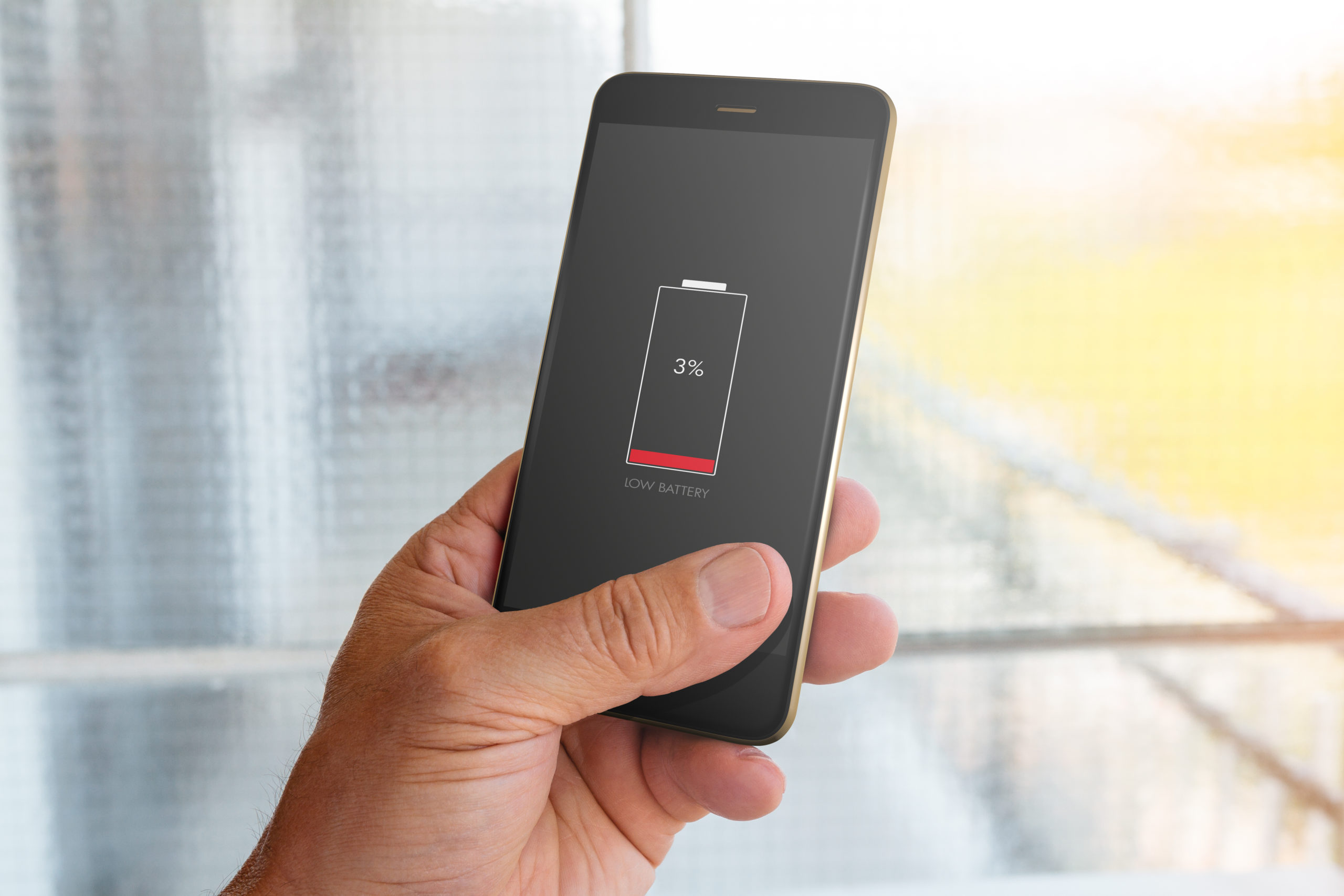
Finding out which apps drain your cell phone battery the most is one way to make it last longer. How about determining your mobile phone habits? Both Android and iPhone (iOS) have tools that let the user know which apps are draining the device’s battery.
Read more: Deactivate Now! 3 useless tools to find out your cell phone battery
to tools Show the consumption of each resource, whether the phone has the screen on or not, in the past few days. On Android phones, it is possible to access the battery usage since the last full charge or the data for the past 7 days. On iPhone, you can see data from the last 24 hours and the last ten days.
Additionally, both systems let you know what percentage and time in minutes each app has been used and drained your battery. The tools also allow users to configure resources to control their usage and make the load last longer.
How do you know which app is consuming battery power?
To check which apps are killing your phone, it is very quick and simple. On iPhones, just go to Settings and tap on Battery. Then scroll down the page and see the list of apps that consume the most power.
On Android, open the Settings menu and select Device & battery assistance. Click on “Battery” and scroll to the bottom of the page until the list of applications appears.
In any case, the manufacturers of cell phone Small changes can be made to the system, it is possible that the way to access this option on your cell phone is slightly different, and varies from one brand to another.
How to save?
You saw the list of apps and you want to know how you can make something good Economie power? Here are seven tips for both iPhone and Android devices to keep your phone running longer!
- reduce the brightness of the cell phone screen;
- activate the night mode of the operating system;
- close background apps;
- activate the “energy saving” mode;
- turn off Bluetooth when not in use;
- put it in “airplane mode”;
- Restrict location access when the app is open.

Edward Langley is a contributor at Mediarunsearch.co.uk, covering a wide range of topics including news, politics, business, technology, sport, entertainment and lifestyle. He focuses on delivering clear, balanced reporting and useful information that helps readers stay informed about current affairs and developing stories. His work highlights issues, trends and events that matter to everyday audiences, with an emphasis on accuracy, relevance and accessible journalism.