
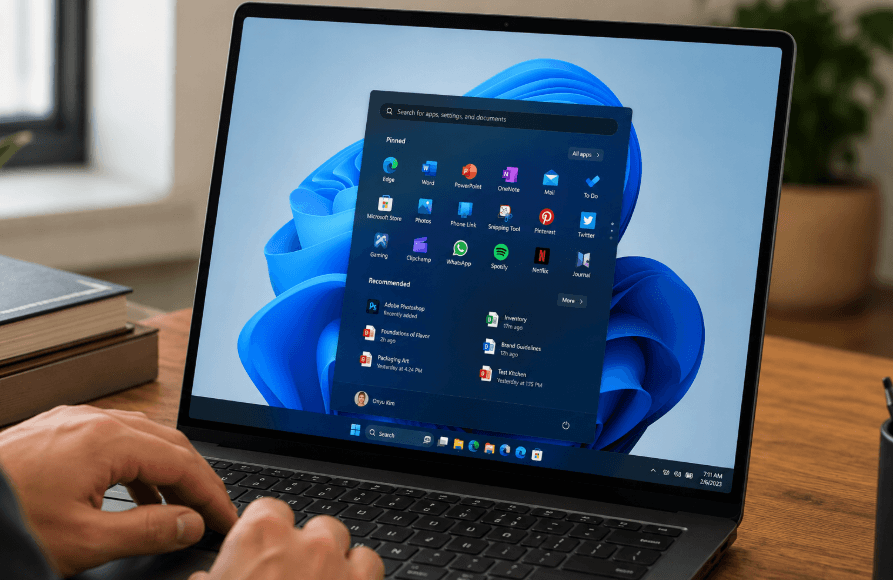
Microsoft is continuing its push to improve the speed and responsiveness of Windows 11, with a new feature designed to reduce delays when opening apps and navigating the operating system. Early demonstrations suggest the update could make everyday tasks feel noticeably smoother for users across a wide range of devices.
The feature, known internally as “Low Latency Profile”, is currently hidden within preview versions of Windows 11, but testing indicates it can significantly reduce launch times for key apps including File Explorer, Outlook, Settings and the Microsoft Store.
Microsoft Expands Windows 11 Performance Effort
Earlier this year, Microsoft outlined plans to improve the overall responsiveness of Windows 11 as part of a wider internal initiative reportedly referred to as “K2”. The project is aimed not only at performance enhancements, but also broader usability improvements across the operating system.
Some optimisations have already begun appearing in public builds. Microsoft has also been refining tools such as Microsoft PowerToys, which could indirectly improve system efficiency and workflow performance for power users.
Software tuning alone, however, can only deliver limited gains. To further reduce delays, Microsoft is also relying on hardware-level enhancements that work alongside modern processors from companies such as Intel, AMD and Qualcomm.
How the Low Latency Profile Works
The new Low Latency Profile is designed to temporarily push a processor to its maximum available clock speed when a user launches an application.
Rather than maintaining higher performance continuously, the system applies a short burst of processing power lasting roughly one to three seconds. The aim is to reduce the time it takes for apps to open while limiting the impact on battery life and energy efficiency.
Unlike some processor-specific technologies, Microsoft’s approach is intended to work across both AMD64 and ARM64 platforms. That means the feature could benefit traditional desktop PCs as well as newer ARM-powered Windows laptops.
The concept is similar to other modern CPU boosting technologies, where processors rapidly increase speed for short tasks before returning to lower power states.
Testing Shows Noticeably Smoother App Launches
Technology publication Windows Central recently tested the feature and reported visible improvements in responsiveness.
In side-by-side comparisons, systems running with Low Latency Profile enabled appeared smoother when opening the Start menu and related interface elements. While the difference in raw speed was not always dramatic, animations and transitions looked less stuttered.
The biggest gains were seen when launching applications such as File Explorer and Outlook. With the feature enabled, both apps rendered more quickly and showed fewer small pauses or “micro-hiccups” during loading.
Similar behaviour was also observed in Settings and the Microsoft Store, suggesting the feature could improve the general feel of Windows 11 rather than only benefiting a handful of applications.
Faster Chips Could See Greater Benefits
The effectiveness of the feature will still depend partly on the processor inside a device. CPUs capable of reaching higher clock speeds more rapidly are likely to benefit the most from the temporary performance boost.
This means premium laptops and desktops equipped with newer processors could see larger responsiveness improvements compared with older or lower-powered hardware.
At the same time, Microsoft’s strategy appears aimed at making Windows feel quicker without significantly increasing overall power consumption — an important consideration for laptop users concerned about battery life.
Feature Remains Hidden for Now
Low Latency Profile has not yet been officially enabled for all Windows 11 users. Enthusiasts can currently access it through third-party utilities such as ViVeTool, which allows hidden Windows features to be activated manually.
Microsoft has not confirmed when the feature will become widely available, but the early results suggest the company is continuing to focus heavily on improving the day-to-day experience of Windows 11.
For many users, especially those frustrated by sluggish menus or slow-loading apps, even small responsiveness gains could make the operating system feel considerably more polished.

Edward Langley is a contributor at Mediarunsearch.co.uk, covering a wide range of topics including news, politics, business, technology, sport, entertainment and lifestyle. He focuses on delivering clear, balanced reporting and useful information that helps readers stay informed about current affairs and developing stories. His work highlights issues, trends and events that matter to everyday audiences, with an emphasis on accuracy, relevance and accessible journalism.