

Close Menu
    Facebook X (Twitter) Instagram
    Trending
    • New Zealand Thrash Australia 43-21 in Bledisloe Cup to Extend Winning Streak
    • Warhammer Age of Sigmar Reveals Three Khazalite Holds Armies of Renown Combining Duardin Forces
    • UK Households Could Face Higher Energy Bills Under Ofgem Plans to Protect Suppliers
    • Shark Nebula Image Wins Royal Observatory Greenwich Astronomy Photography Prize
    • Pre-Orders Open for Camp Snap 110 D Screen-Free Digital Camera
    • Researchers Used Claude to Exploit OpenAI Employee ChatGPT Accounts
    • Sigma Unveils 85mm f/1.2 DG Art as Its Fastest Portrait Lens Yet
    • South Park Creators Rename Show ‘South America’ in Apparent Trump Dig
    Mediarun Search
    • Home
    • Top News
    • World
    • Economy
    • Science
    • Technology
    • Sport
    • Entertainment
    • Contact Us
    Mediarun Search
    Home»Tech»Final Fantasy XVI receives update 1.03; See patch notes
    Tech

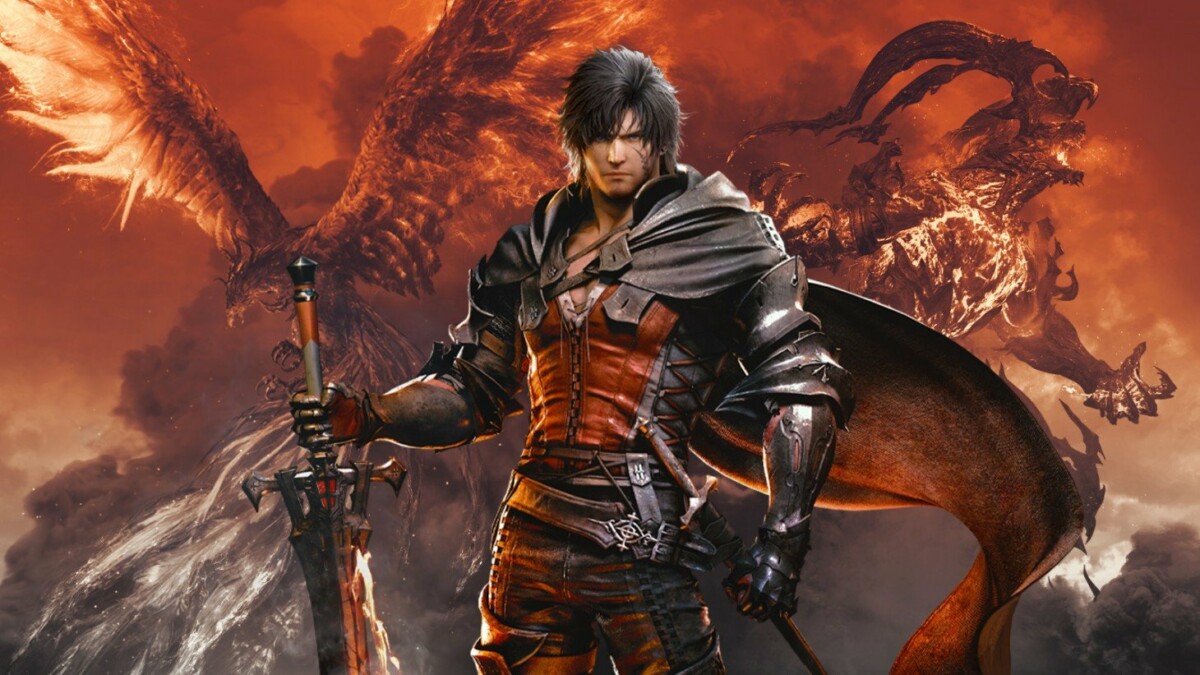
    Final Fantasy XVI receives update 1.03; See patch notes

    Edward LangleyBy Edward LangleyJuly 6, 2023No Comments2 Mins Read
    Facebook Twitter Pinterest LinkedIn Tumblr Email
    Final Fantasy XVI receives update 1.03;  See patch notes
    Share
    Facebook Twitter LinkedIn Pinterest Email
    Final Fantasy XVI


    aggame


    Square Enix has announced that update 1.03 is available for Final Fantasy XVI.

    See patch notes below.


    Patch Notes v 1.03

    We are announcing the release of update 1.03, which brings many improvements to the game.
    This update fixes some bugs and adds new functionality.
    We recommend that you install the update before playing FINAL FANTASY XVI.

    In this update:

    • The following items have been added to the System tab of the main menu:
      • The intensity of motion blur
        It allows the player to adjust the intensity of the motion blur effect when the character or the camera is moving. The default setting is Max: 5. This can be lowered to intensify the motion blur effect, or set to 0 to disable it entirely.
      • Follow the player (movement)
      • Follow the player (attack)
        Disabling these settings will prevent the camera from automatically following the character when they move or attack, respectively.
    • Changed the maximum camera sensitivity (horizontal) and camera sensitivity (vertical) from 10 to 20.
    • Three new control profiles have been added: types D, E, and F. Fixed bugs that affected the stability of some menus. We fixed some text issues.
    • We add the hashtag #FF16 when you share screenshots or videos on Twitter or YouTube.

    Edward Langley

    Edward Langley is a contributor at Mediarunsearch.co.uk, covering a wide range of topics including news, politics, business, technology, sport, entertainment and lifestyle. He focuses on delivering clear, balanced reporting and useful information that helps readers stay informed about current affairs and developing stories. His work highlights issues, trends and events that matter to everyday audiences, with an emphasis on accuracy, relevance and accessible journalism.

    See also  Moving to Windows 11? Learn about the main errors that affect the system
    Share. Facebook Twitter Pinterest LinkedIn Tumblr Email

    Related Posts

    Pre-Orders Open for Camp Snap 110 D Screen-Free Digital Camera

    September 19, 2026

    Sigma Unveils 85mm f/1.2 DG Art as Its Fastest Portrait Lens Yet

    September 9, 2026

    ChatGPT Hit by Major Outage as OpenAI Reports Errors and Delays

    September 1, 2026
    Leave A Reply Cancel Reply

    Navigate
    • Home
    • Top News
    • World
    • Economy
    • Science
    • Technology
    • Sport
    • Entertainment
    • Contact Us
    Pages
    • About Us
    • Contact Us
    • DMCA
    • Editorial Policy
    • Privacy Policy
    © 2026 Media Run Search. All Rights Reserved. Designed by Media Run Search.

    Type above and press Enter to search. Press Esc to cancel.