
WhatsApp is one of the most used social networks around the world, especially among Brazilians. The social network in question works through an app available for iOS and Android. Users can send text messages, photos, videos, PDF documents, and voice messages to each other, and it is also possible to make free audio and video calls when the smartphone is connected to the Internet.
The platform was created in 2009 by two Yahoo veterans, Jan Koum and Brian Acton. Currently, WhatsApp belongs to the Meta company, which is also responsible for other social networks, such as Facebook and Instagram. The company is constantly updating the app to improve user experience.
However, what many people do not know is that there is a possibility to access deleted messages on WhatsApp. So check out how to find out below!
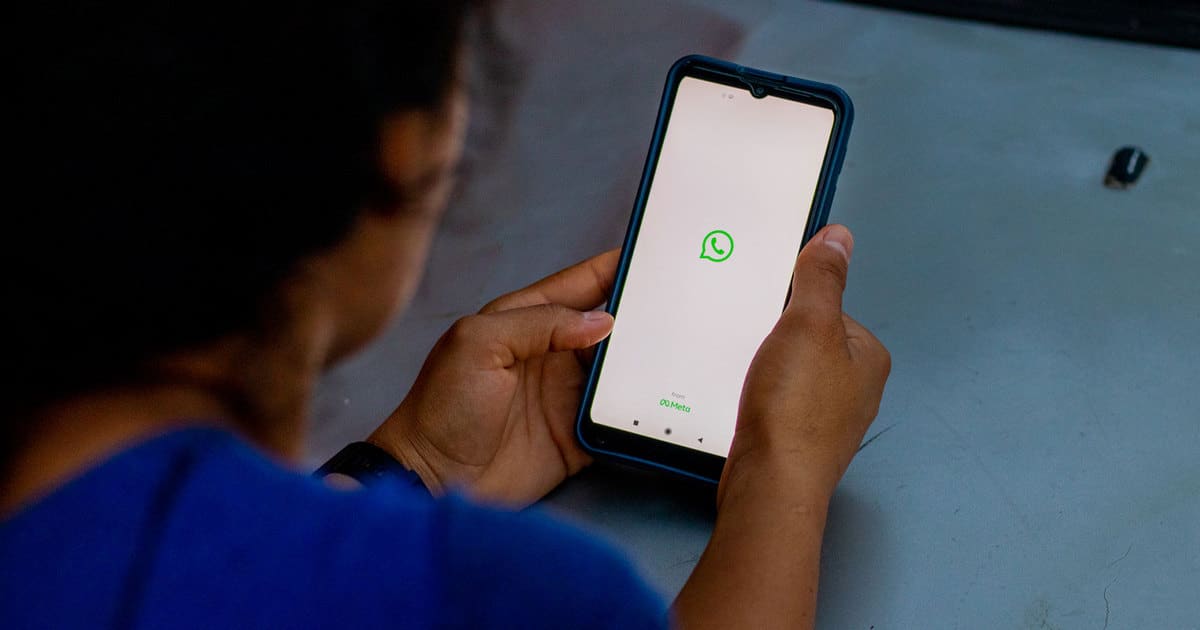
Users can access deleted messages on WhatsApp
WhatsApp users can access the messages that have been deleted in the app without having to use a third platform for this. To carry out this procedure, it is necessary to enter the notification history available on mobile phones with the Android operating system.
The function is available for smartphones with Android 12 or higher. After activating the feature, all messages already received can be viewed in the messenger, even if the content has been deleted by the sender.
To do this, first of all, you need to open the device settings and access the “Notifications” option. Then click on “Notification History”. Next, slide the bar to the side so you can activate the notifications feature. In this field, all messages that have already been sent to the mobile phone will be available.
Thus, to be able to view the contents related to the messenger, it is necessary to click on the WhatsApp icon so that the feature can display all messages, even those that have been deleted by the sender. In the app, the text will appear as “Message deleted”, but the user can view the content through the Views tab.
Also check: The latest WhatsApp function has already been launched: Brazilians are fond of
The new WhatsApp function allows you to send messages without saving the user number
WhatsApp is launching a new feature that allows users to send messages to numbers that are not saved in the phonebook. The novelty has been waiting for a long time and is now being gradually released to all smartphones. That way, if the tool isn’t available to you yet, it should be soon.
The new feature can be very useful for occasions when the user needs to speak to only one person in one specific situation, as well as making it easier to contact stores or clinics.
Also check: This simple trick allows you to use WhatsApp offline; See how it works

Edward Langley is a contributor at Mediarunsearch.co.uk, covering a wide range of topics including news, politics, business, technology, sport, entertainment and lifestyle. He focuses on delivering clear, balanced reporting and useful information that helps readers stay informed about current affairs and developing stories. His work highlights issues, trends and events that matter to everyday audiences, with an emphasis on accuracy, relevance and accessible journalism.