
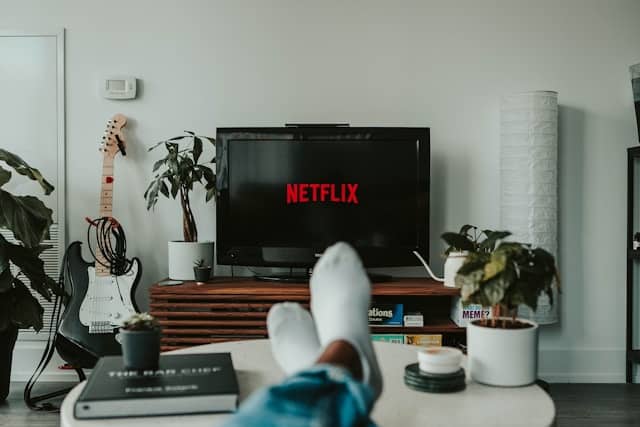
Image: Unsplash
Starting July 24, 2024, Netflix will no longer offer support for its native app on more than 10 TV models manufactured in 2014, the company announced. This measure, which already affects devices produced between 2011 and 2013, now extends to a new series of models, resulting in the removal of the application from the interface of these devices.
Netflix's decision aims to optimize its resources and focus on offering better performance on more modern devices, while leaving behind devices that, due to their technical specifications, are no longer able to guarantee an ideal user experience.
Which Smart TVs will not be compatible with Netflix?
Here is a list of Sony Smart TVs that will be affected by this measure:
- X83 series
- S9 series
- W5 series
- W6 series
- W7 series
- W70 series
- X80 series
- W85 series
- W95 series
- X85 series
- X9 series
- X95 series
Alternatives to continue enjoying Netflix
Despite this measure, users of these older TV models still have several options to continue watching Netflix. Here are some alternatives:
Amazon Firestick
Amazon Fire Stick is an external device that connects to the HDMI port. To configure it:
- Connect the Fire Stick to your TV and a power source.
- Select the appropriate HDMI input.
- Connect to a Wi-Fi network and follow the on-screen instructions.
- Download the Netflix app from the list of apps.
- Open the application and log in with your account.
Google Chromecast
Google Chromecast allows you to cast content directly from your cell phone or computer to your TV. Follow the following steps:
- Connect your Chromecast to the HDMI port and power source.
- Set up Chromecast using the Google Home app on your mobile device.
- Connect to the same Wi-Fi network as your mobile device.
- Open the Netflix app on your phone.
- Tap the cast icon and select Chromecast to start casting.
Roku devices
Roku devices offer a wide range of streaming options. To use:
- Connect your Roku device to the HDMI port and power source.
- Follow the on-screen instructions to connect to the Wi-Fi network.
- Find the Netflix app in the main menu.
- Download and install Netflix.
- Log in with your account to start watching content.
How to display your cell phone screen on smart TV
Another option is to stream content directly from a mobile device over Wi-Fi networks. Here's a step-by-step guide on how to do that:
- Make sure both your TV and mobile device are connected to the same Wi-Fi network.
- Open the Netflix app on your phone.
- Select the content you want to watch.
- Use the “Cast” function, which is usually represented by a screen icon with waves.
- Select the TV from the devices available on the network.

Edward Langley is a contributor at Mediarunsearch.co.uk, covering a wide range of topics including news, politics, business, technology, sport, entertainment and lifestyle. He focuses on delivering clear, balanced reporting and useful information that helps readers stay informed about current affairs and developing stories. His work highlights issues, trends and events that matter to everyday audiences, with an emphasis on accuracy, relevance and accessible journalism.