
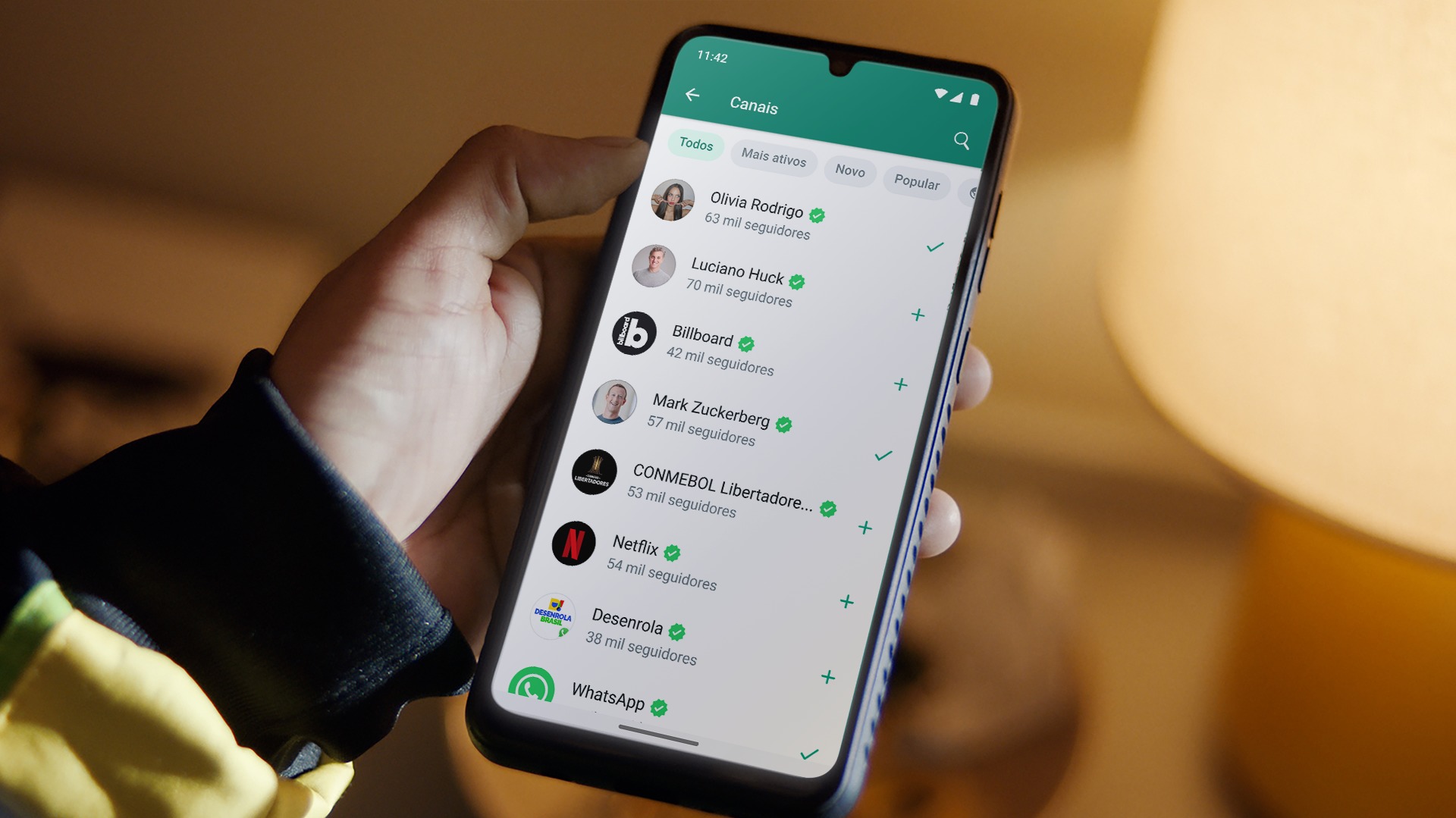
WhatsApp's success in Brazil has continued for years. The practicality of sending text messages, photos, videos, making calls and even sending money has made the app an essential tool on Brazilians' mobile phones.
The truth is that the more we use an app, the more chances we have to make mistakes. Who among us has never faced the embarrassing situation of sending a text, voice message or even a photo to the wrong person? But the worst is coming now!
Have you ever imagined the situation of sending a message or photo to someone, and when you press “Delete for Everyone”, you choose the “Delete for Me” option? At that time the soul leaves the body, right? The good news is that it is now possible to reverse this situation and have peace in your life again.
What's new in WhatsApp is for those who don't want to feel embarrassed
When we analyze the evolution of WhatsApp, it is clear that the tool has undergone significant changes and updates to become what it is today. According to the developers at Meta, the company responsible for the app, the mission has always been to create tools capable of providing the best experience to users.
In its latest update, WhatsApp has released the option that allows you to undo the “Delete for me” action. The new feature comes as a salvation for those who want to recover deleted messages.
From now on, when you accidentally delete a private message, the app will display an “Undo” button next to the “Message was deleted for me” notification. But be careful, the user has up to 5 seconds to cancel the decision before it is too late. The new feature is available for all devices, such as iOS, Android, and PC.
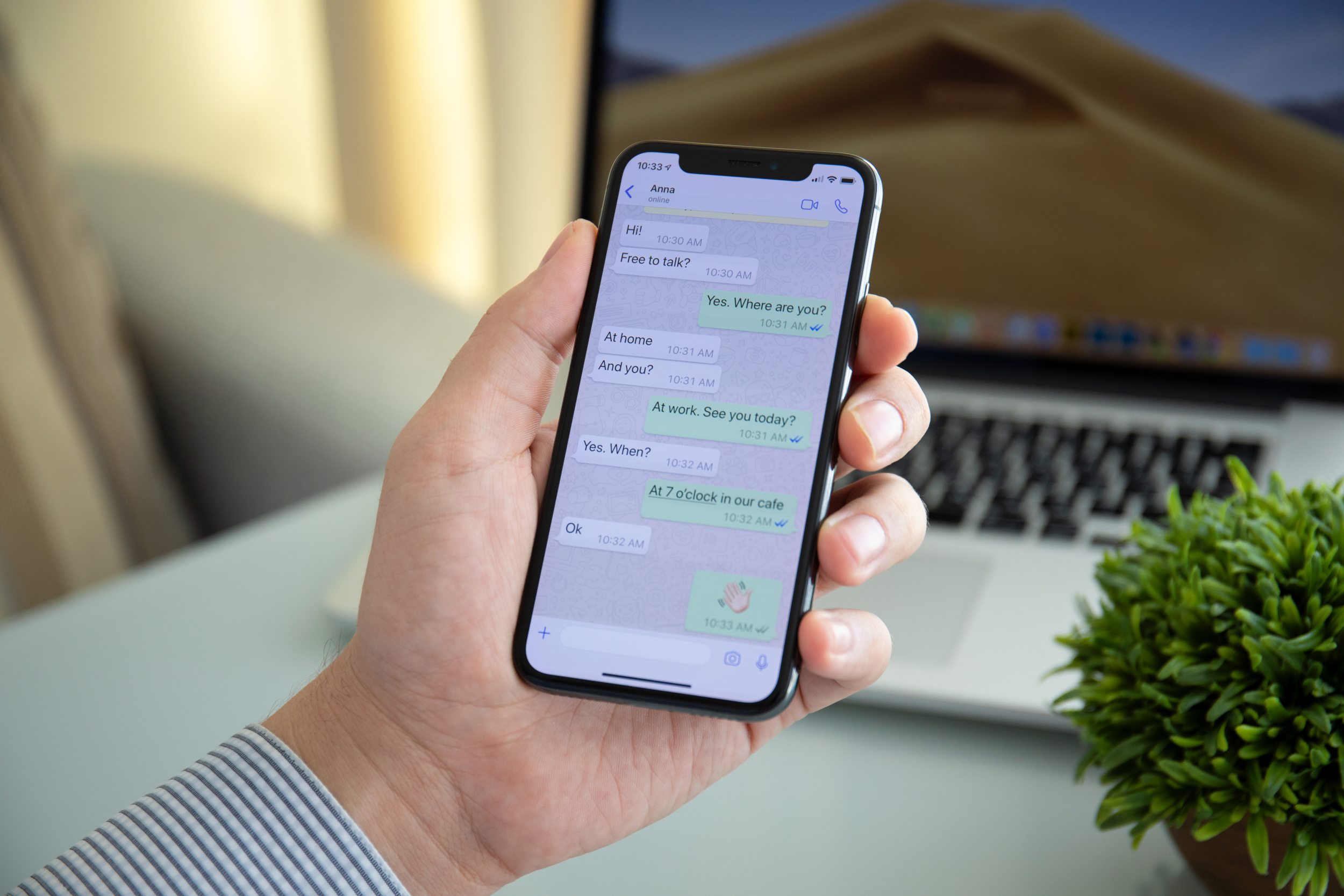
Image: Shutterstock
How to delete a message sent by mistake on WhatsApp?
If you accidentally sent a message to a contact or in a group, here's what to do to delete it as quickly as possible.
In the case of Android, simply place your finger on the message and tap the trash icon at the top of the screen. Choose between “Delete for everyone” or “Delete for me.” If the device is running Android, the process is similar: tap on the message and hold it with your finger until the menu with options appears. Choose “Delete”.
On your computer (desktop), through WhatsApp Web, simply hover your mouse over the message, and click on the icon with the down arrow, located in the upper right corner. Then select “Delete” and then the desired option.

Edward Langley is a contributor at Mediarunsearch.co.uk, covering a wide range of topics including news, politics, business, technology, sport, entertainment and lifestyle. He focuses on delivering clear, balanced reporting and useful information that helps readers stay informed about current affairs and developing stories. His work highlights issues, trends and events that matter to everyday audiences, with an emphasis on accuracy, relevance and accessible journalism.