
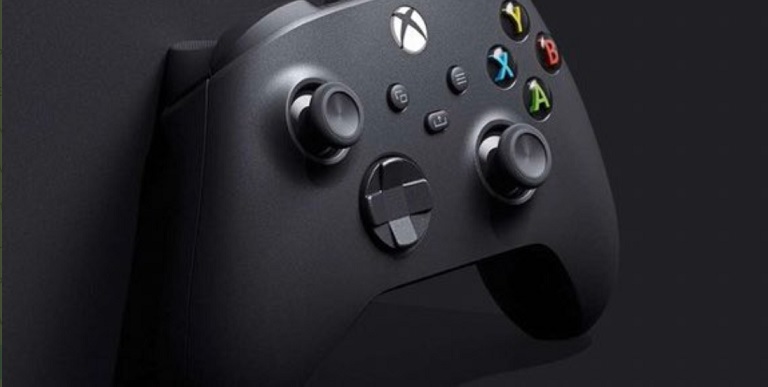
Finally, today we received the new August update for Xbox. Well, it’s a really big update, because it’s packed with new features, both for the Xbox Series X|S itself and for PC and consoles. We’ve got a little bit of everything, but below we’ll break down the most important things when it comes to Xbox.
Now, both Xbox and PlayStation controllers, DualShock 4 and 5, can be used on devices like the Amazon Fire TV. In general, almost all Bluetooth controllers can work on these devices, but it is better to be able to use Xbox or PlayStation controllers.
New Xbox Update
- Discord integration on XboxIt's now easier to receive updates about your Discord friends directly on your Xbox console. You can voice chat with them or watch their streams without using the Discord app on PC or mobile.
- Link accountsIf you linked your Xbox and Discord accounts, you can include your Discord friends in your friends list in the Xbox directory. You'll need to relink your accounts for this to work.
- Discord Friends List on Xbox:Discord friends will appear in the “Happening Now” section of the Xbox Guide when they're playing a game or in a Discord voice chat.
- Watch Discord Streams on XboxYou can now watch a Discord stream live on your Xbox console while on a Discord call or voice channel.
- Xbox to Discord StreamingYou can also broadcast your Xbox console gameplay to your friends on Discord.
- Game installation optionsWhen installing games on Xbox or PC, you can choose to install everything or select specific features to save time and space.
Customize your control
- New customization optionsTwo new features have been added to Xbox controllers: a press-and-hold button function and a shortcut to turn off the device.
- Push button featureComing soon to the Xbox Elite Wireless Controller Series 2 and Xbox Adaptive Controller. Allows you to hold down the button with just one touch, which is useful for improving accessibility.
- Configure the feature in the Xbox Accessories appThe feature can be enabled by setting up the controller in the Xbox Accessories app, selecting a profile, and releasing the desired button.
- Shortcut to turn off the deviceA quick option to turn off your console is provided in the Xbox Accessories app by going to the More Options menu and selecting Turn Off Device.

Edward Langley is a contributor at Mediarunsearch.co.uk, covering a wide range of topics including news, politics, business, technology, sport, entertainment and lifestyle. He focuses on delivering clear, balanced reporting and useful information that helps readers stay informed about current affairs and developing stories. His work highlights issues, trends and events that matter to everyday audiences, with an emphasis on accuracy, relevance and accessible journalism.