
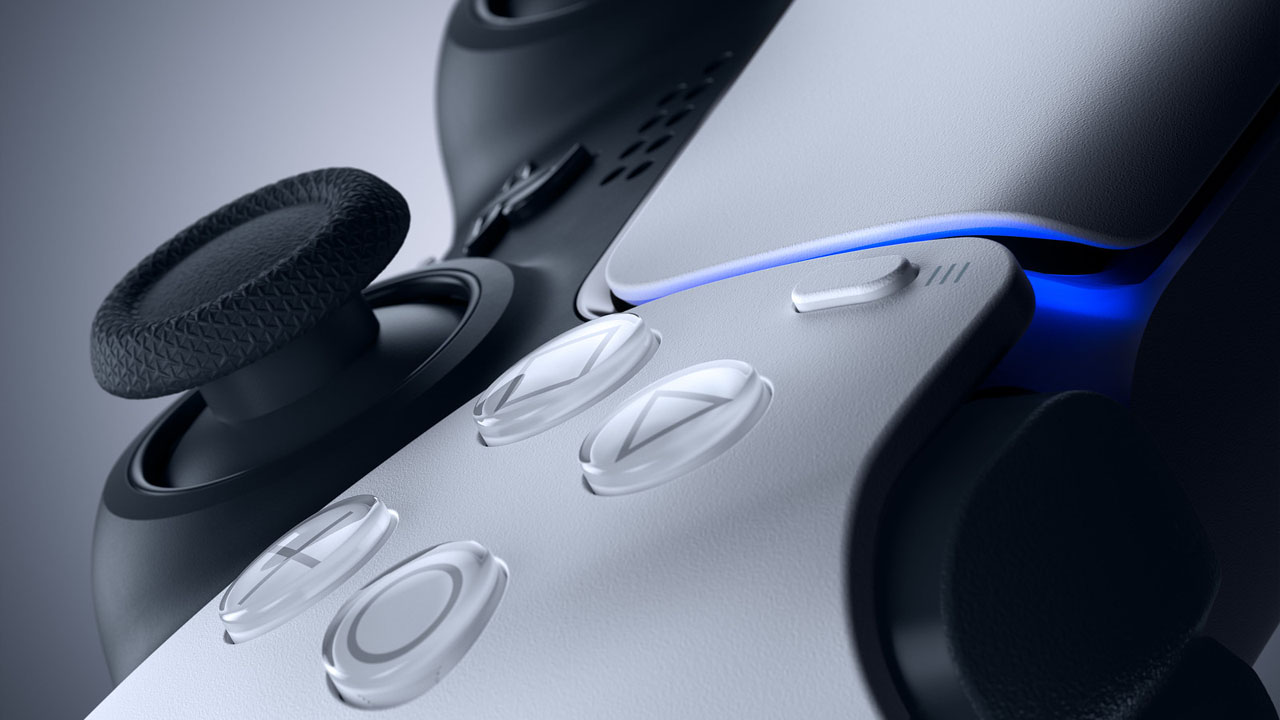
User stopmrdomino, from Reset the erareported on a tool he developed himself to try to mitigate the problem that plagues many controllers today: drift.
When you start to notice that your DualSense analog sticks are moving strangely, activating on their own or without precision, it means the readout of lever movements is incorrect. Whether due to dirt or mechanical malfunctions, this causes drifting which makes gameplay a real disaster depending on the type of game.
Stopmrdomino has coded and provided a tool for Chromium-based browsers (Chrome, Opera, Vivaldi, Microsoft Edge) that can recalibrate the center and range of the analog sticks, thus performing a more accurate reading and compensating for the issues encountered.
The tool can be accessed In this link And use it easily by following the steps provided. In short, you should note a few things:
- Connect it via USB cable to your computer and make sure the battery is charged.
- Do not install or open steam (Maybe because BigPicture mode interferes with playback).
- Use the Calibrate the center of the stick Follow the steps directing the analog sticks to the directions provided and confirm.
- Use the Calibrate the stick range (Temporary if you want to test beforehand and permanent to be effective when using the DS4 or DualSense on your newer console) by following the steps and confirming.
- If any function becomes abnormal or different, use the reset console to return to the default mode.
- Only disconnect the USB cable after all the steps. If you do this during the process, it may make the control unusable!
In our tests with the DualShock 4, the steps were simple, showing changes in unnatural patterns that the controller had previously presented.
It should be noted that serious mechanical problems should not be resolved by recalibration and will depend on activation of the warranty, if still valid, or changing of analogues.


Edward Langley is a contributor at Mediarunsearch.co.uk, covering a wide range of topics including news, politics, business, technology, sport, entertainment and lifestyle. He focuses on delivering clear, balanced reporting and useful information that helps readers stay informed about current affairs and developing stories. His work highlights issues, trends and events that matter to everyday audiences, with an emphasis on accuracy, relevance and accessible journalism.