
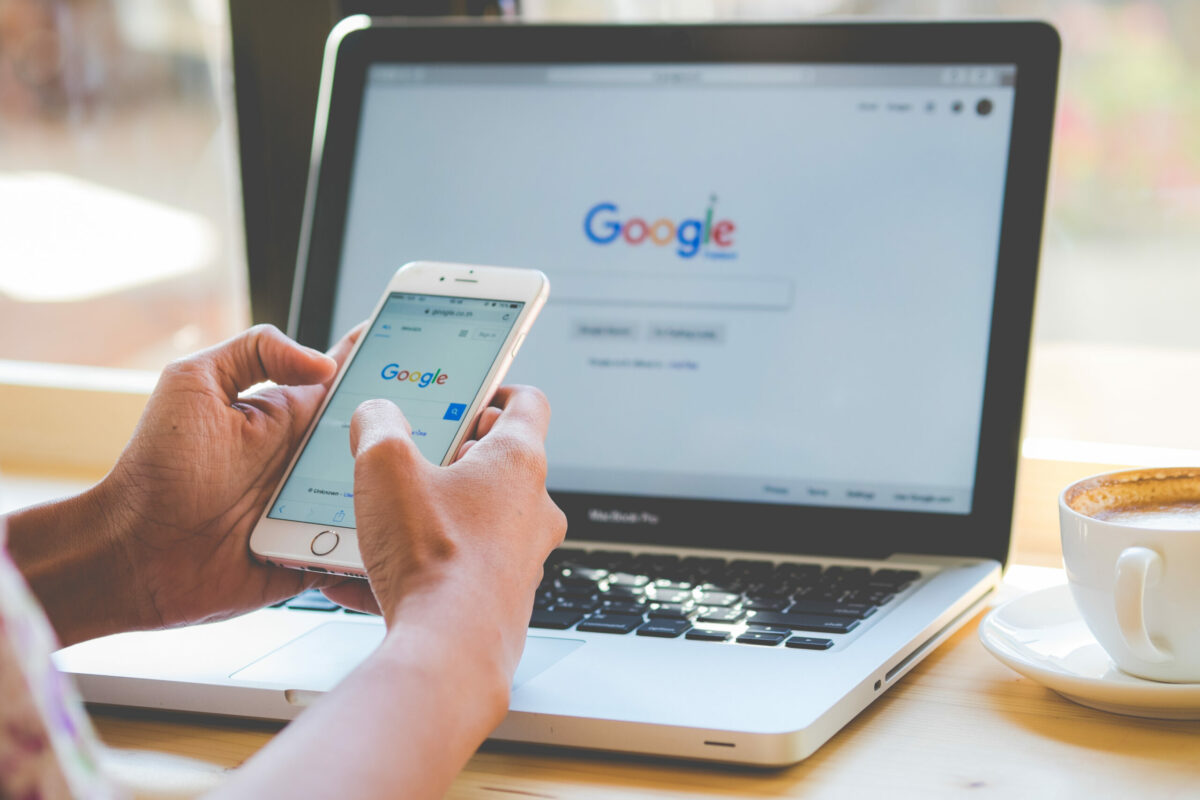
The accessibility of your Android device can improve from now on with the new version launched by The Google. As indicated, it will be a standalone app available on the Play Store gallery, which will allow you to use your smartphone without necessarily touching the screen.
There are many options available in android, but not all of them are accessible due to access difficulties. The age of technology has brought a device that fits in the hands and whose functions are all limited to a sensitive touch. However, not all people can handle screens in this way.
With this in mind, Switch Access serves as an alternative for those who still have difficulties making use of touch screen. To enable the option, click on the Settings tab, then click on Accessibility and enable Switch Access.
In this way, the release will allow the use of a keyboard or a switch to connect directly to an Android device. In Accessibility it is also possible to customize the update according to your personal choice and needs.
How can Switch Access be used?
Take advantage of an external keyboard
Configuration via USB or Bluetooth, the keyboard can be used outside of the smartphone’s own screens. The processing is similar to the keyboard of an old cell phone, where you need to tap a few times to get to what you want on the screen.
Take advantage of a foreign key
It is a kind of keyboard that sends a signal to communicate with the device. the The Google Note that there are many companies that can work via USB or Bluetooth, but the use must be made by personal choice and there are no indications on the products.
Incorporate buttons into your Android device
The buttons can be used to give more access to your Android device. Yes, like a video game console! The connection can be made via USB or Bluetooth, checking which external device will be compatible with the use.

Edward Langley is a contributor at Mediarunsearch.co.uk, covering a wide range of topics including news, politics, business, technology, sport, entertainment and lifestyle. He focuses on delivering clear, balanced reporting and useful information that helps readers stay informed about current affairs and developing stories. His work highlights issues, trends and events that matter to everyday audiences, with an emphasis on accuracy, relevance and accessible journalism.