
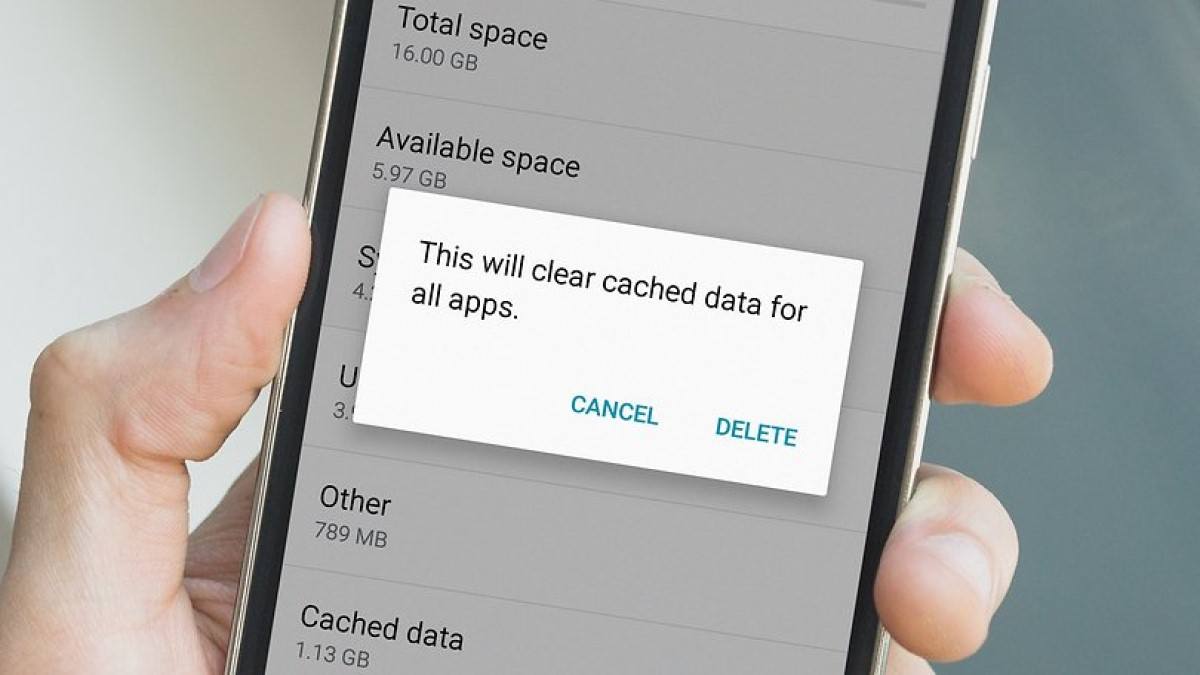
Have you ever noticed that your smartphone starts to slow down after using it for a while? Or are some applications crashing unexpectedly? These setbacks can be attributed to the accumulation of cached data on the device, which hampers its performance.
See also: Goodbye to lack of space: Best ways to clear your computer's cache
It's important for Android users to understand when and how to clear cache, especially on devices with limited storage capacity.
What is caching?
Cache refers to a temporary storage location where frequently used data, application files, copies of web pages, images and other associated resources are stored on Android devices.
This feature provides faster access to frequently used data, resulting in improved application performance. For example, when you visit a website regularly, its images and data are cached to load faster on subsequent visits.
A cache works by storing recently accessed or frequently used data in a specific area of the device's memory.
In browsers, both user browser and server, caching is usually implemented. When you visit a website, the browser downloads all necessary resources from the server, and stores them temporarily for future access.
In applications, caching involves storing frequently used data in the device's local storage, allowing quick access without searching the original source. This includes the results of web service calls, images, and other data necessary for the application to run.
Cache full?
Filling up the cache may cause problems with the device. Excessive cache can cause slowdowns, app crashes, and other performance issues.
If not deleted periodically, cached data may occupy a lot of space on the device, which is a challenge for devices with limited storage capacity.
Clear the cache Regularly is essential to avoid such problems. This action frees up space on your device without deleting personal data such as photos or contacts, all you have to do is remove unnecessary temporary files.
The difference between cache and cookies
Caches and cookies are temporary data storage systems used by browsers to improve website performance and user experience. Although they perform similar functions, they differ in terms of what they store and how they affect navigation.
Clearing your cache does not log you out of websites or remove stored preferences or settings, while clearing cookies will log you out and delete preferences.
benefits
Clearing cache on Android devices offers several benefits to improve user experience:
- Frees up storage space, which is crucial for devices with limited capacity.
- Fixes issues with applications that may crash or crash.
- It improves the overall performance and speed of the device by reducing the amount of cached data and optimizing operations.
When to clean
Consider clearing the cache in the following situations:
- Periodically, every few months, to keep the device in good working order.
- After important system updates, which may affect the cache and cause problems.
- In case of application failure or insufficient performance.
- If your device is slower than usual.
How to clean
Clearing cache on Android devices is a simple process:
- Access settings.
- Select “Applications”.
- Choose the desired application.
- Select “Storage” and click “Clear Cache.”
Rebuilding the cache may initially slow down apps or websites, but it improves device performance in the long run.
By unlocking the secrets of clearing cache, users can keep their Android devices running efficiently and hassle-free.
