
The use of headphones has become very popular among smartphone users. It could be due to the hardware’s lack of sound quality or looking for a more immersive experience when listening to higher quality music. Many people choose to use them.
In addition, they are also used as a means of maintaining privacy and respecting environments, allowing people to listen to their music without contributing to noise pollution. After all, no one likes to hear other people’s noises, right?
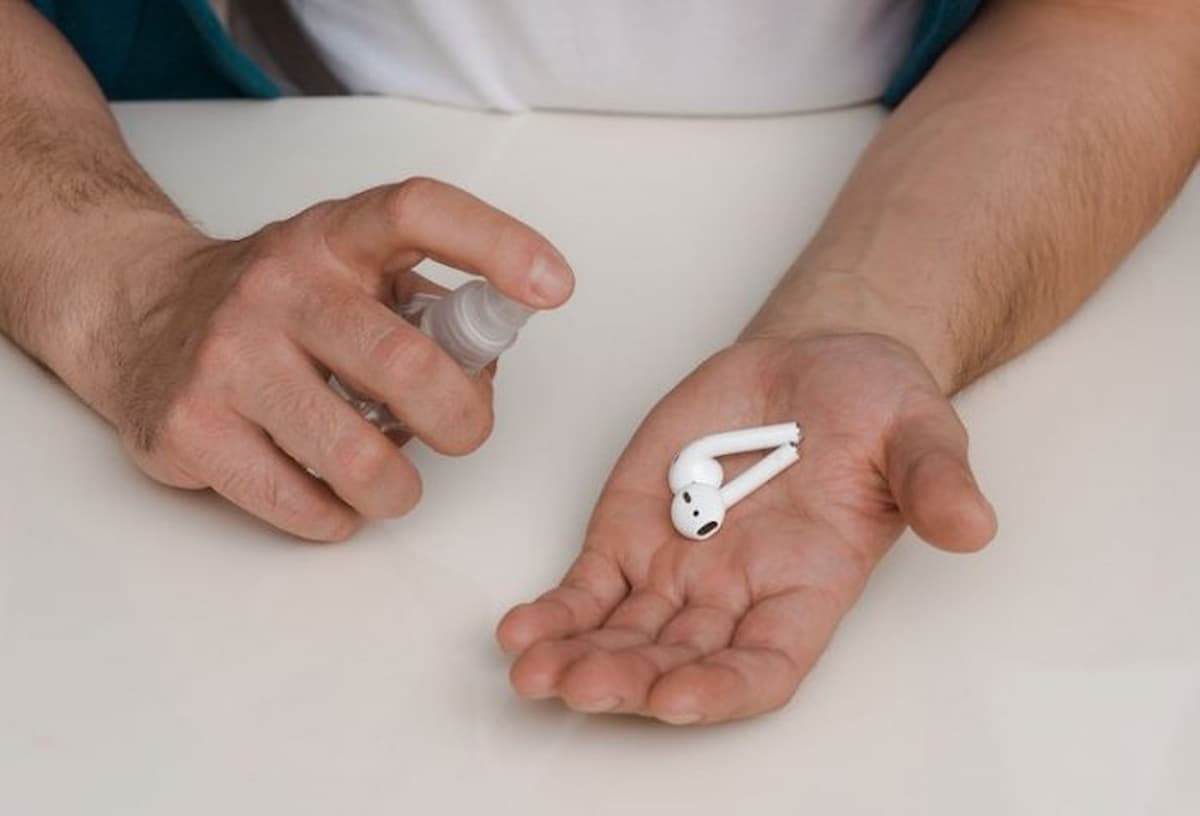
With the increasing use of these headphones, especially TWS or those with ear tips, it is important to remember the need to clean these devices frequently. This ensures sound quality and the health of our ears, in addition to maintaining hygiene, of course.
The big problem is that few of them remember to clean their headphones properly, which can even cause the device to malfunction. thinking about it, Google has released an update to its Pixel Buds wireless headphones app that promises to end this issue!
Google will trigger alerts to clean your headphones
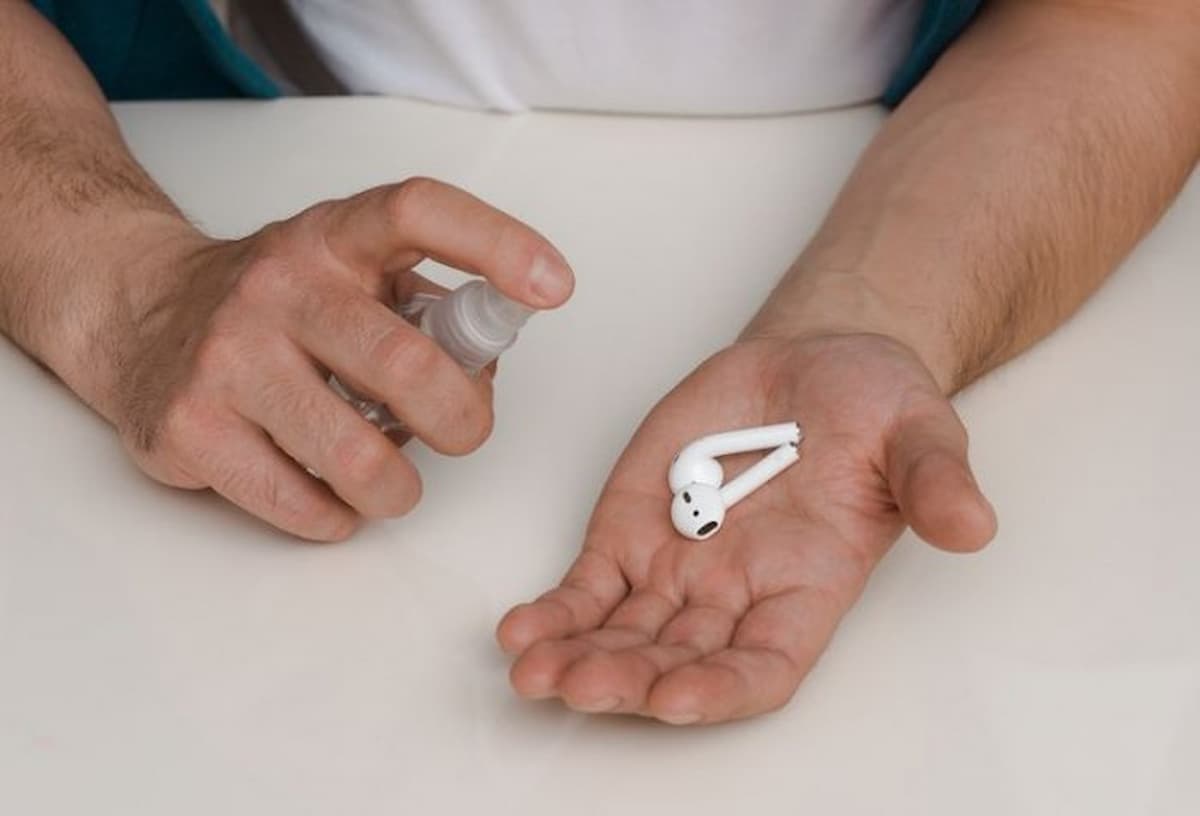
Photo: Kizer13/Shutterstock/Reproduction
And the new version of the Pixel Buds application comes with the advantage of sending notifications to users to remind them of the importance of taking care of cleaning their headphones. The displayed message highlights the need to keep the devices clean, which ensures good performance of the device.
After all, dirt buildup on headphones can affect the ability to Recharge the battery and prejudice the correct reproduction of sounds.
The Pixel Buds’ cleaning notifications functionality is designed to pop up after every 120 hours of use. However, it is important to note that this notification is not able to detect changes in sound caused by dirt buildup on the ear tips.
Therefore, it is imperative that users perform the cleaning process regularly even if they do not receive the notification. This can become a habit over time.
How to clean the headphones?
To help users clean their headphones properly, Google provides an article with tips and advice on how to clean them. sterility Correctly in the ears, headphones and earphones. It is important to follow these tips to ensure the durability of your headphones.
In addition to regular cleaning, it’s also important to take care not to overuse your headphones. Prolonged use at high volume may damage your hearing. It is therefore recommended to take regular breaks during use, which can be ideal times to perform the cleaning.
